
Creativity 10+ Downloads
Blur Photo: Background Mosaic
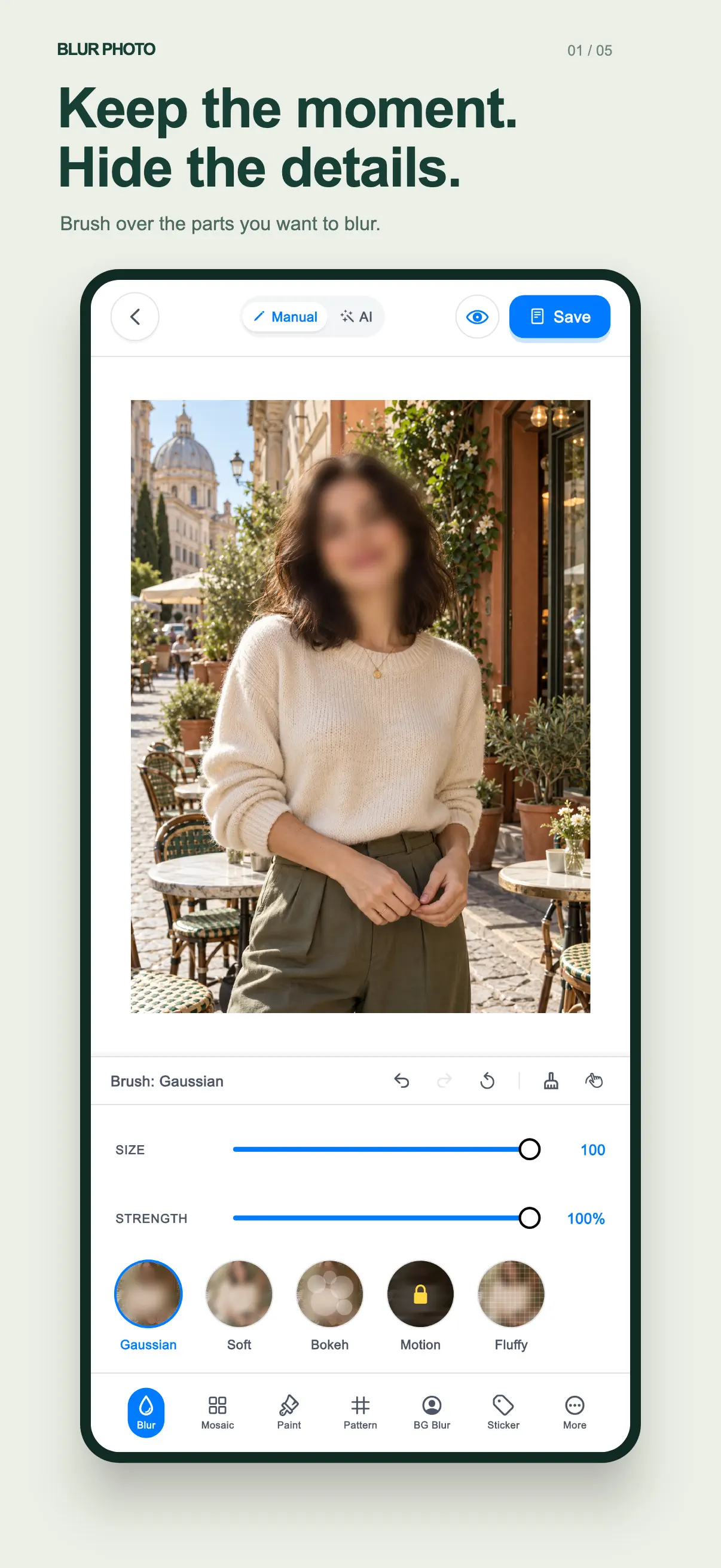
One-tap background blur, privacy face mosaic, and DSLR depth effect editor.
Free to Download
Official Store Release
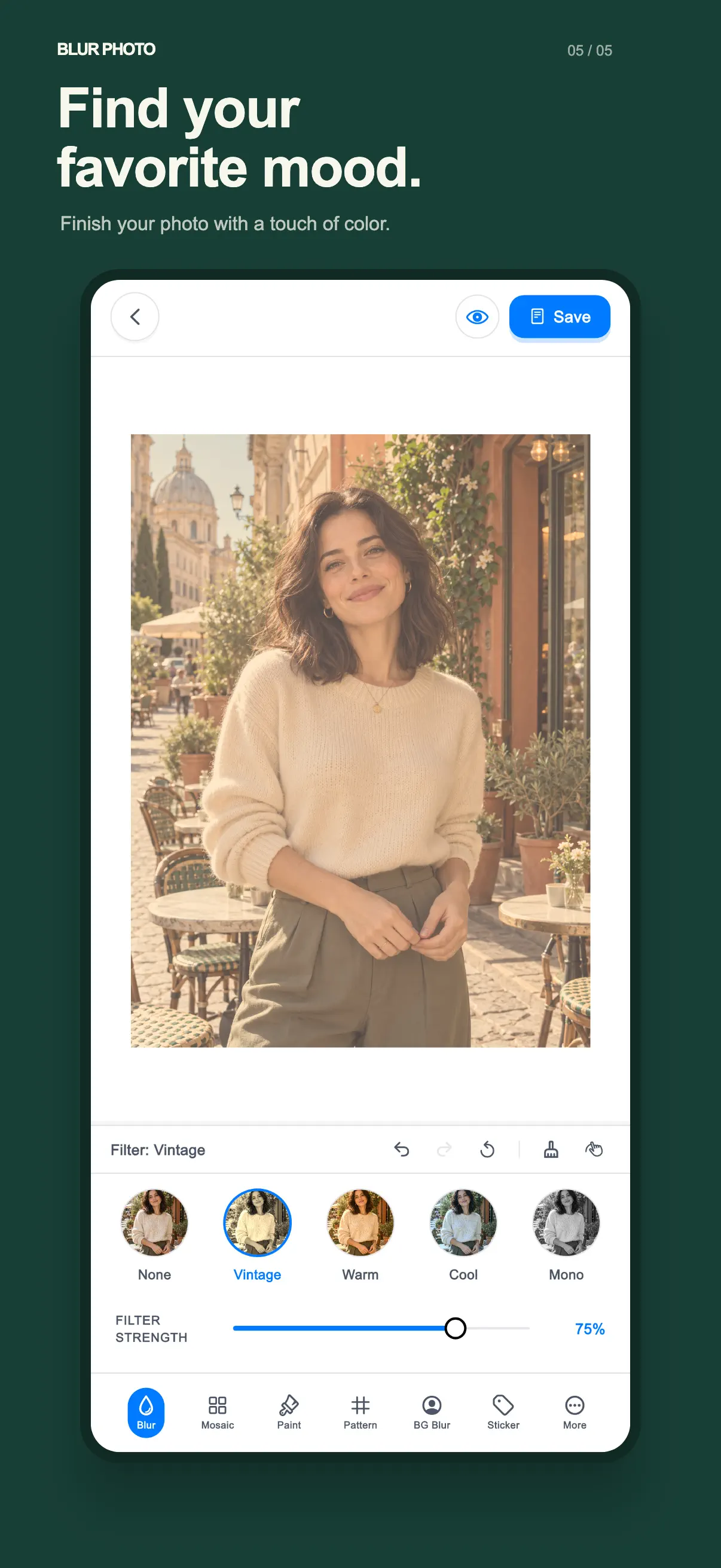
App Preview
(5 Screens)
Swipe →
Key Features & Benefits
01
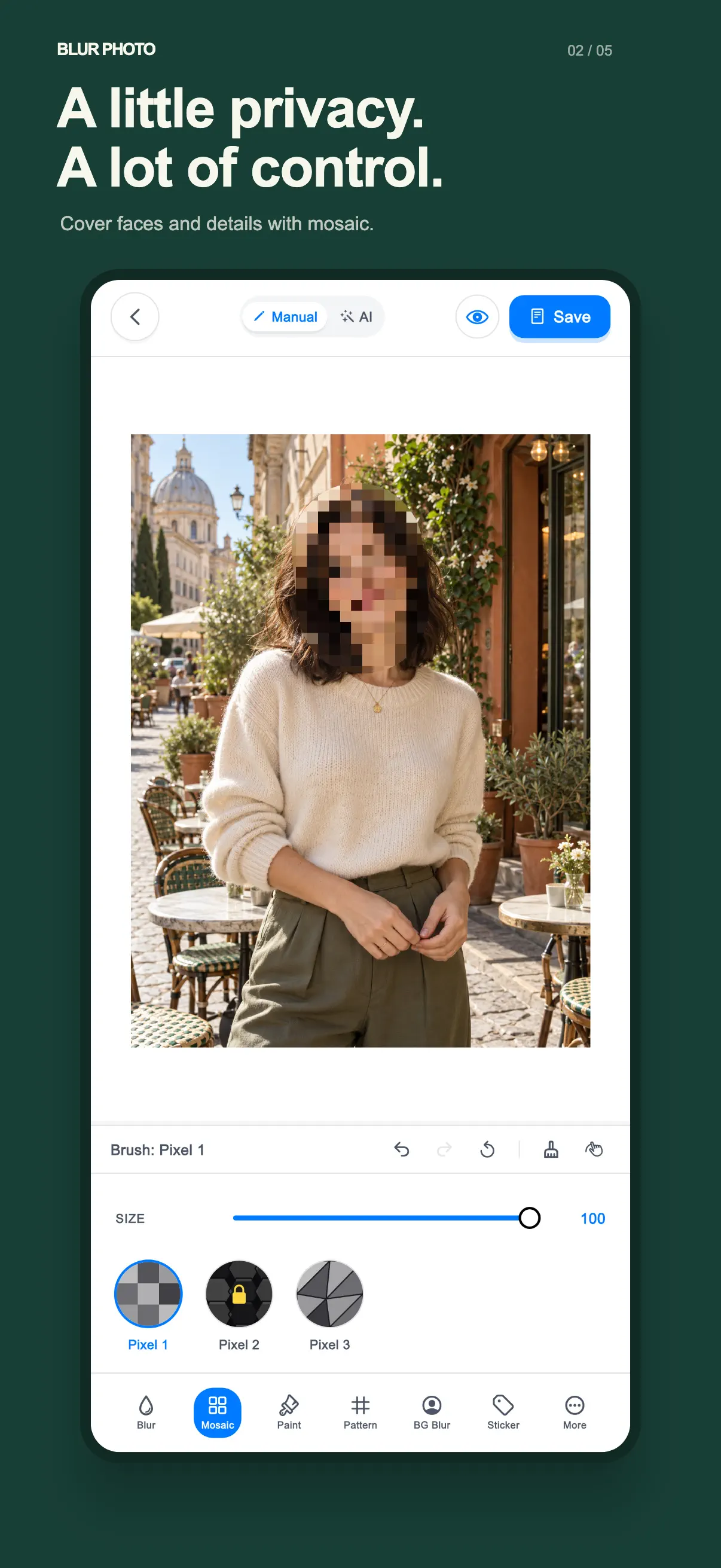
AI Face & License Plate Mosaic
Automatically detect faces and sensitive details to apply privacy mosaic in one tap.
02
DSLR Portrait Depth Effect
Recreate creamy bokeh background blur with customizable focal aperture and shape.
03
Brush & Eraser Precision
Fine-tune blur areas using variable brush radius and magnification loupe.
Ready to experience Blur Photo: Background Mosaic?
Install free today. Lightweight, focused, and built for everyday utility.
Frequently Asked Questions
Does the app degrade photo resolution?
No, Blur Photo saves output images in their original full capture resolution.
Can I apply mosaic to multiple faces at once?
Yes, the AI auto-detects all faces in group shots with a single tap.
Are there different blur textures?
Yes, choose from Gaussian blur, mosaic pixelation, frosted glass, and motion blur.